Comparing Frames: How to Match Shots for Seamless Editing
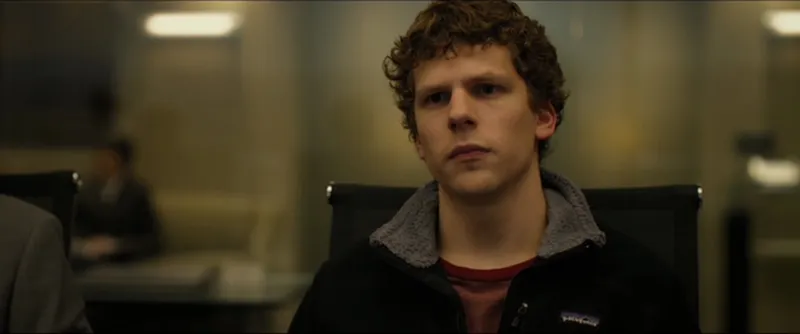
A cut can feel jarring when two shots of the same scene disagree on light, color, or perspective. Shot matching gives editors, colorists, and cinematographers a way to name those differences and decide which ones to fix.
The challenge of matching multiple setups
When you compare frames, look beyond overall brightness:
- Lens and focal length: Does one angle compress the background more or use a shallower depth of field?
- Lighting shifts: Has the sun moved, or has the key changed direction or quality between setups?
- Color temperature: Is one angle warmed by a practical while the other remains cool?
- Composition: Do eyelines, subject scale, and background balance support the cut?
Build a step-by-step transition plan
Pick one frame as the target. Match exposure and white balance first, then compare contrast and color. Resolve camera or lighting differences on set where possible; a grade can narrow a mismatch but cannot change perspective or move a shadow. Review the cut in motion after every major adjustment.
Ceeniq's Compare Frames lets you upload Frame A and Frame B, see their differences across camera, lighting, composition, and color, and receive an ordered plan for moving one look toward the other. It gives you a practical starting point for the next shoot or grading pass, rather than promising a flawless match from two stills.
Compare two shots side by side
Upload both frames and get a structured read of the differences with a plan for bringing their looks closer.
Compare Frames