Reverse engineerany beautiful shot
Upload a photo or a frame from any film and get a complete cinematography breakdown with practical recreation steps.
No account required · Your upload stays private
3 free credits on sign-up · no subscription
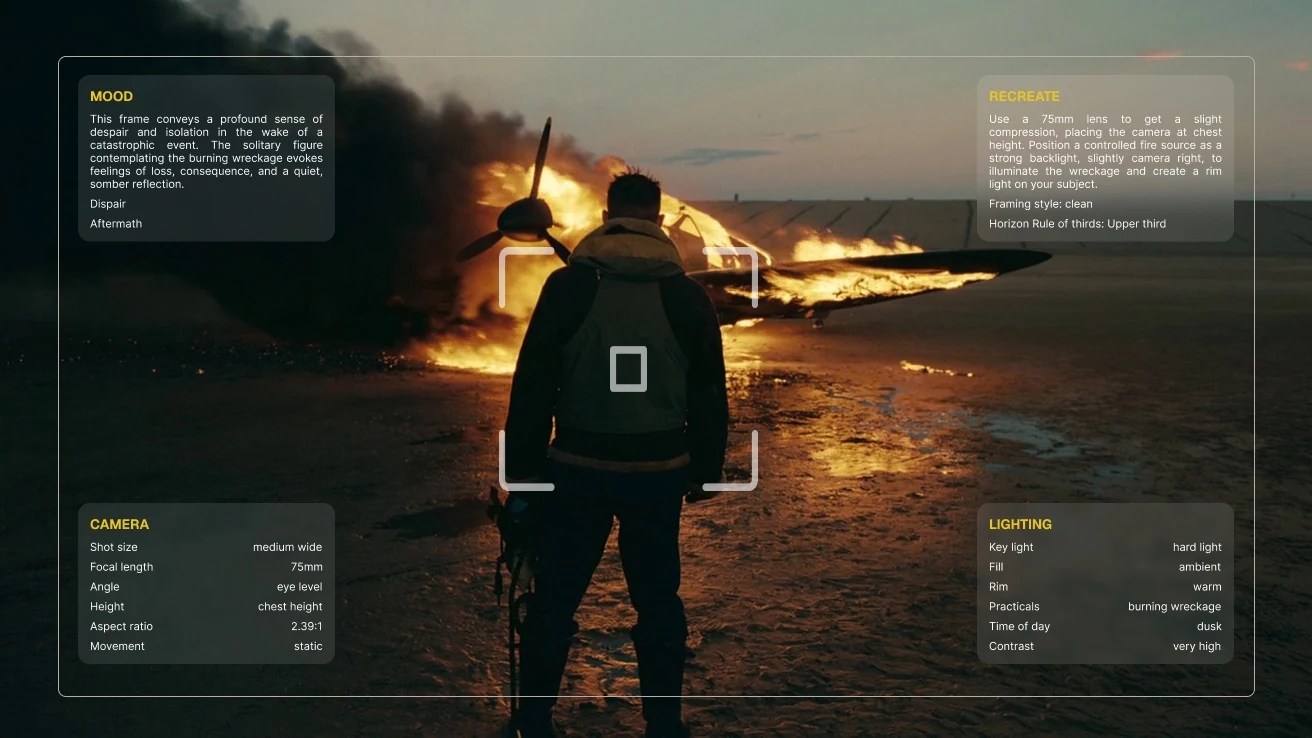
Upload any still and read the full analysis in well under a minute. Every report is a working DP's read of the frame, camera, composition, lighting, color, and mood, and finishes with practical setups and budget alternatives for recreating the shot.

Camera
Shot size, estimated focal length, angle, height, aspect ratio, and movement.
Composition
Rule of thirds, leading lines, symmetry, negative space, and subject placement.
Lighting
Key direction, fill ratio, rim light, practicals, and time-of-day estimate.
Color
Extracted palette, temperature, contrast, and saturation, swatch by swatch.
Mood & genre
The emotional read of the frame and the genre it belongs to.
Recreation plan
Practical instructions for lens, light placement, and grade to build it yourself.
Every Blueprint translates the grade it detected into the real controls of Apple Photos, Lightroom, and DaVinci Resolve, named exactly as they appear in the app, with a starting value for each. No presets, no guessing which slider does what.
- Exposure
- -0.15
- Highlights
- -28
- Shadows
- +18
- Black Point
- +12
- Warmth
- +14
- Vibrance
- +10
Protect the window highlights behind the subject.
Lift the fill side without flattening the key.
Sets the milky film floor.
Holds skin while the teals come up.
Example recipe. Your values are derived from the frame you upload.
Upload two shots and Ceeniq reads exactly how their looks differ, then hands you a practical, step-by-step plan to get from one to the other. The fastest way to reverse engineer why a frame feels the way it does.


Example frames. Your comparison is built from the two you upload.
Shot Stress Test weighs a reference against your real space, gear, and shoot limits. Get a practical plan, then review your first test shot against it.
Three inputs, one plan
The frame you want
The location you have
The gear and limits you face
Know what to try first and what could fail before the shoot.
Delivery Check scans the details that can change how a finished image looks in the real world — color profile, exposure, format, dimensions, file size, and privacy metadata.
Delivery Check
A quick preflight for your final export
Color profile
sRGB and embedded profile warnings
Exposure
Highlight clipping and crushed shadows
File health
Format, dimensions, size, and bit depth
Privacy
GPS and embedded metadata
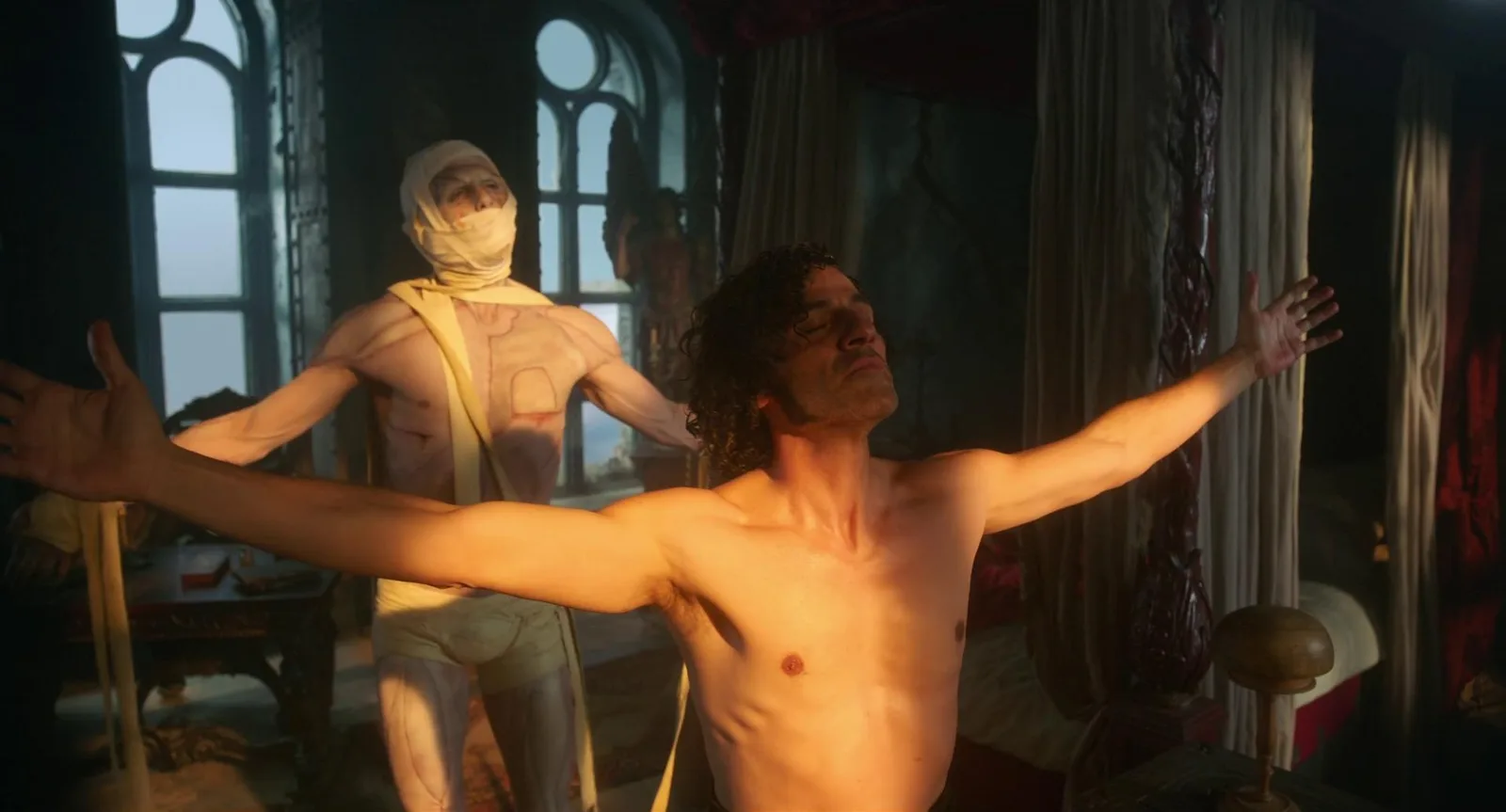
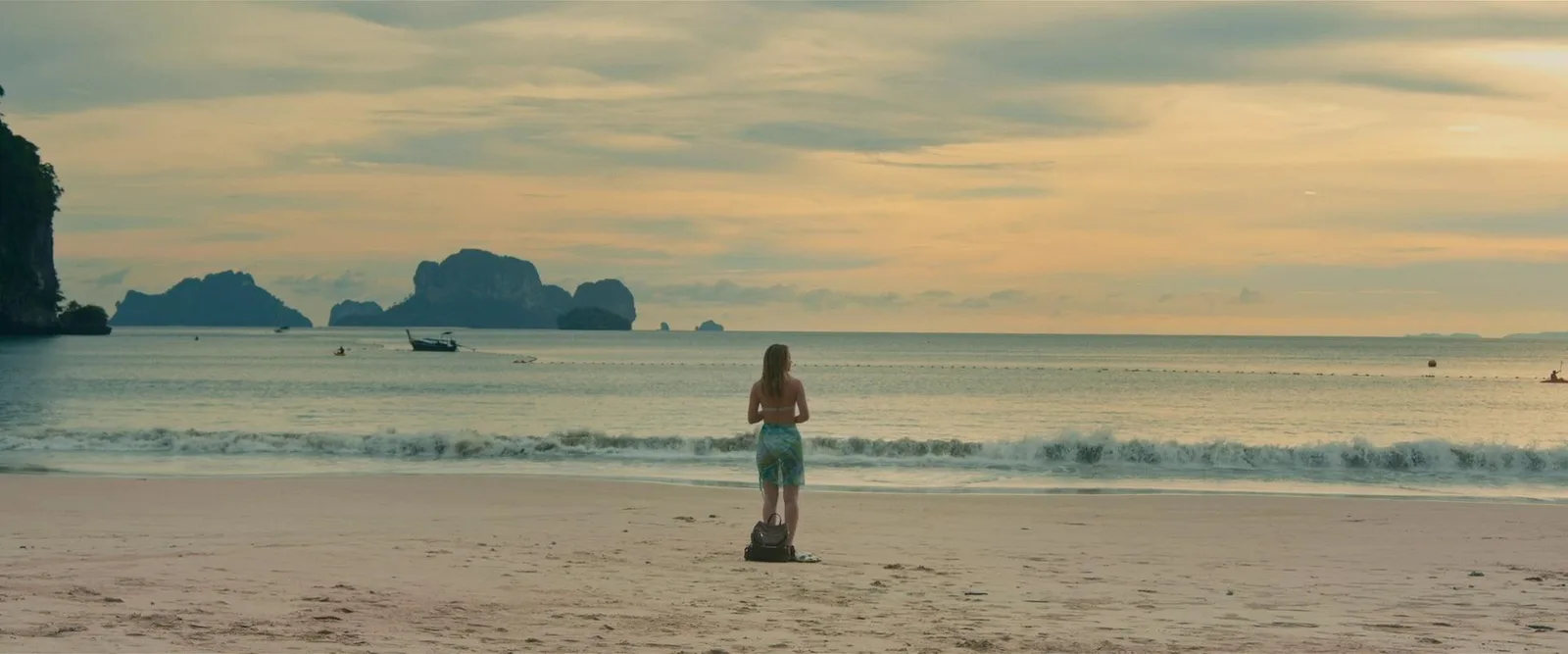
Every frame below is a real breakdown published to Explore. Open any one to see the camera, lighting, and color read that came back.
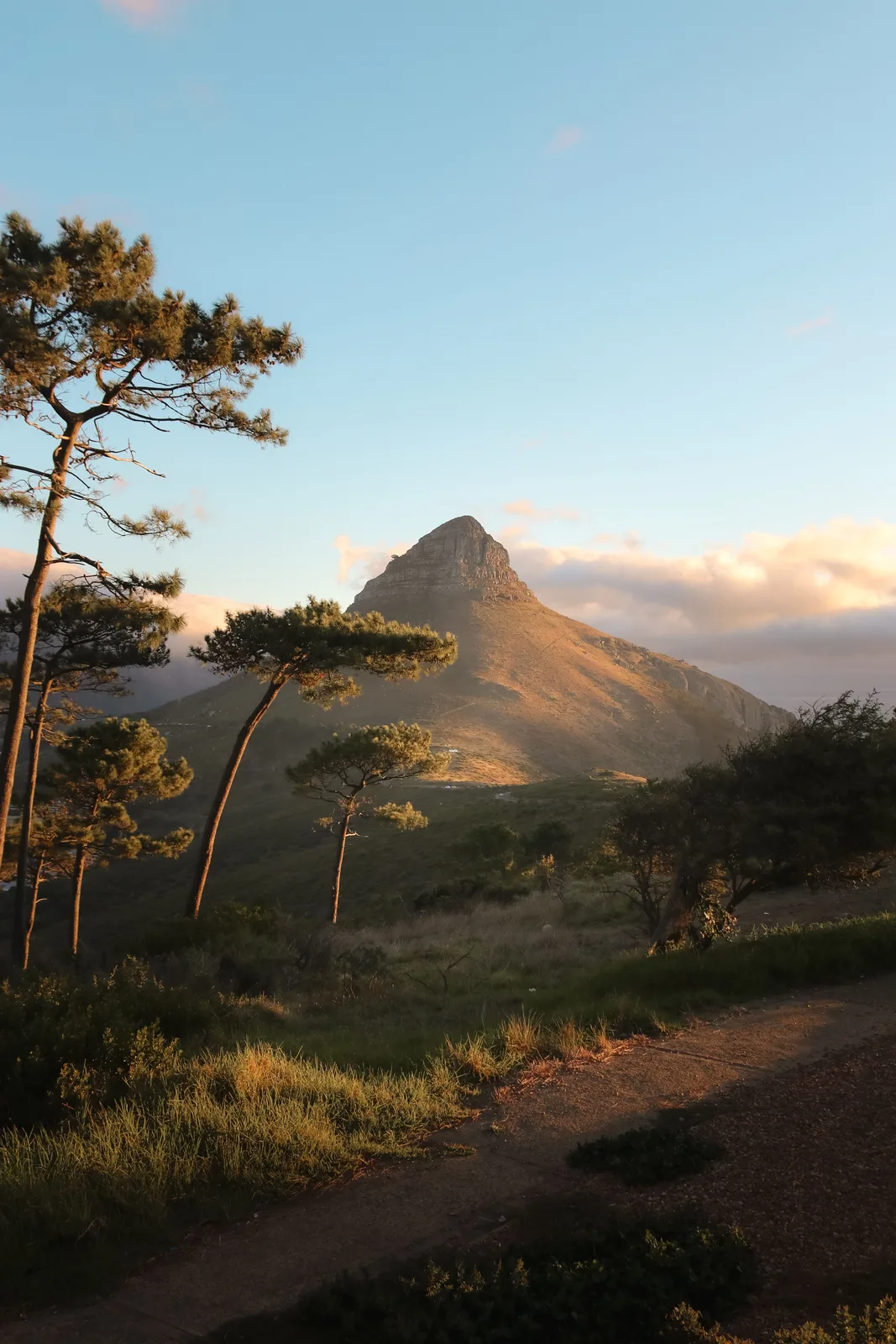
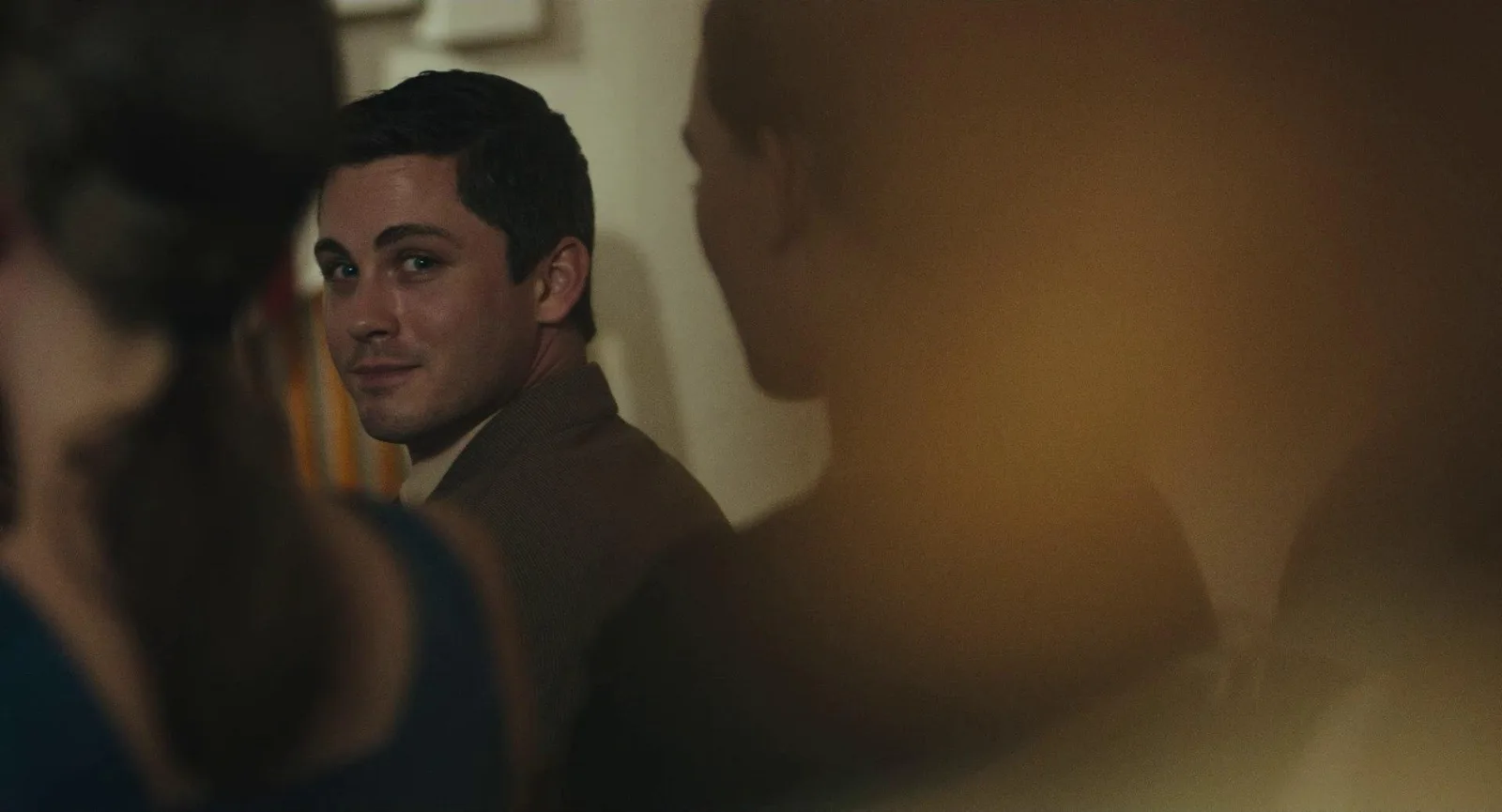
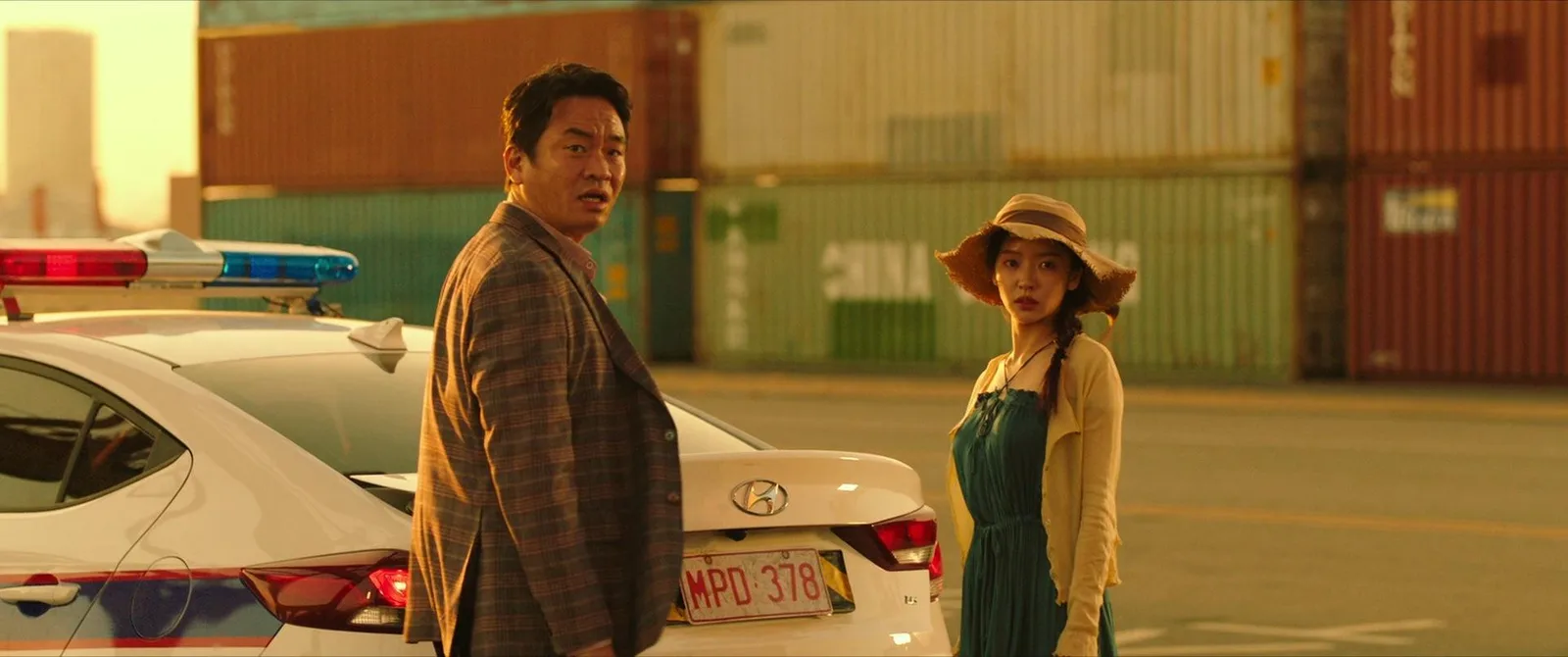
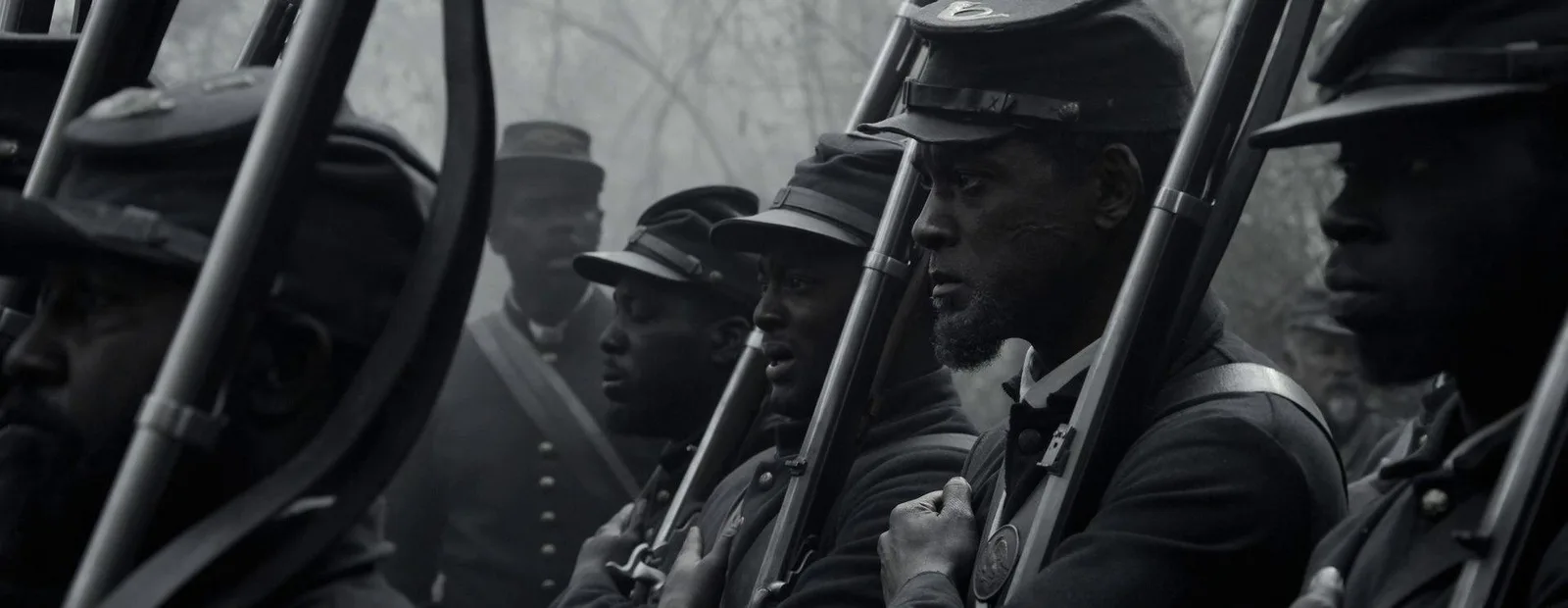
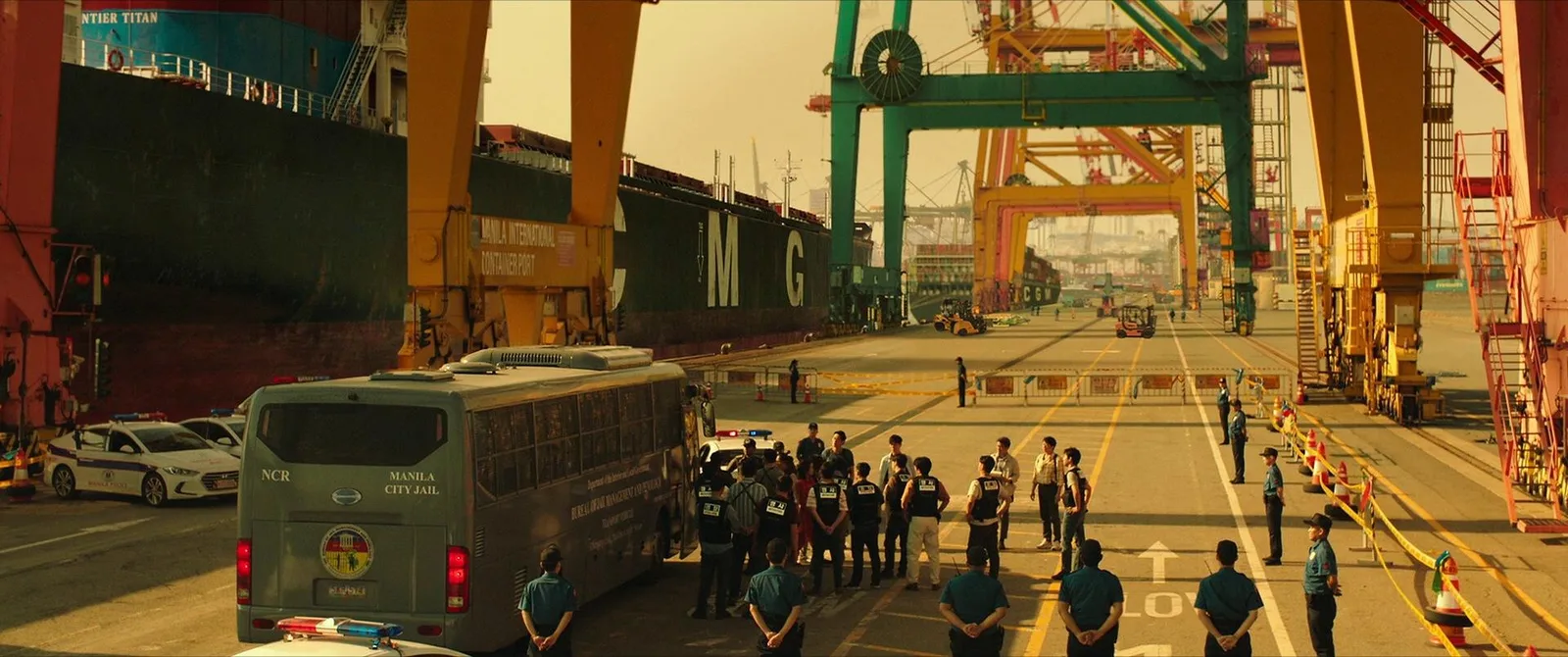
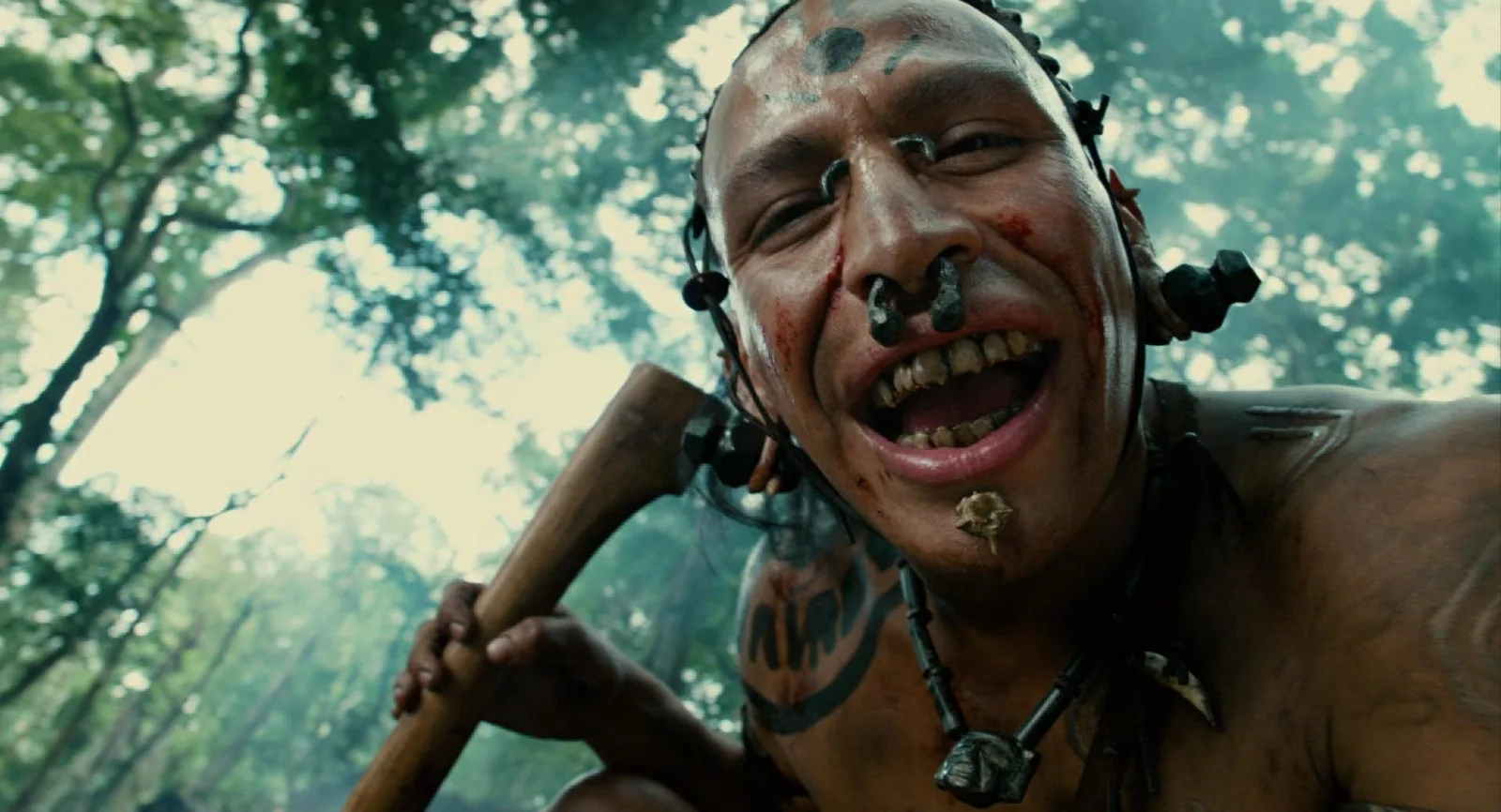
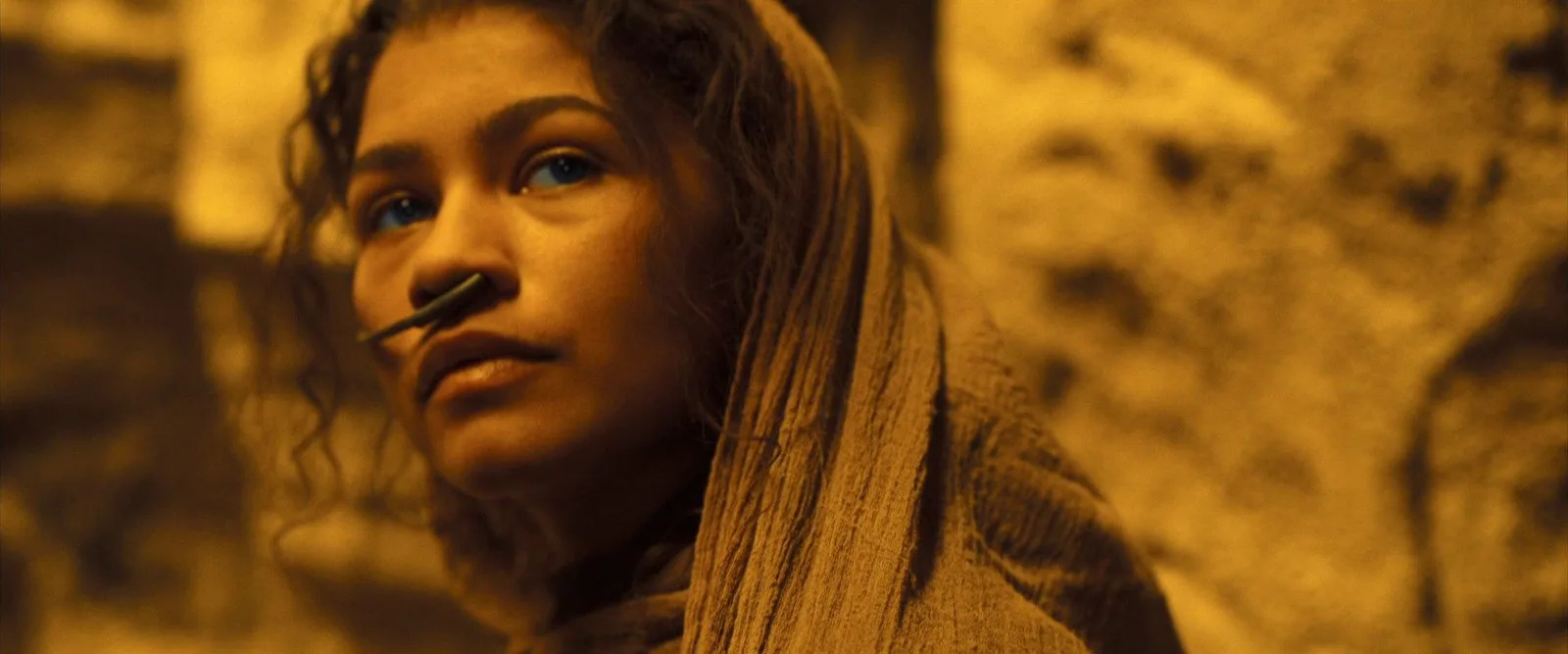
Publish your breakdowns to a growing cinematography database and earn credits, badges, and recognition from the community.

Contributor
10 public reports

Senior Contributor
25 public reports

Cinematography Explorer
50 public reports

Master Contributor
100 public reports

Archivist
250 public reports

Founding Contributor
500 public reports
Buy once, use whenever. Credits never expire. A Standard Analysis is 1 credit, Compare Frames is 2, and the full Shot Blueprint is 3.
Everything you need to know about analyzing and recreating a shot with Ceeniq.
What is Ceeniq?
Ceeniq helps you break down the visual language of films and photography. Upload a frame and receive an analysis of the camera, lighting, composition, color, mood, and a practical recreation plan.
Who is Ceeniq for?
Ceeniq is built for filmmakers, cinematographers, photographers, colorists, directors, creators, students, and anyone looking to understand or recreate compelling visuals.
How does Ceeniq work?
Upload a single image, and Ceeniq analyzes its visual characteristics using AI. The report includes insights into the shot and recommendations for recreating the look.
Can I analyze any image?
Yes. You can upload film stills, photographs, screenshots, or your own work, provided you have the rights to upload the image.
How accurate are the results?
Ceeniq provides informed estimates based on the visual characteristics of the image. Camera models, lenses, lighting setups, and grading recommendations are best viewed as strong starting points rather than definitive facts.
What is included in a Recreation Plan?
The Recreation Plan provides practical guidance for recreating the shot, including camera recommendations, lighting setup, composition, color grading, and editing suggestions.
Can I compare two frames?
Yes. Compare Frames lets you upload two shots side by side and see exactly how their look differs across lens, angle, lighting, composition, and color, ending with a practical step-by-step plan for getting from one to the other.
Are my uploads private?
Yes. Your reports remain private unless you choose to publish them to Explore.
How do credits work?
Each analysis consumes credits. Credits can be purchased as needed and are deducted only when an analysis is successfully completed.