How to Find Film Stills for Cinematography
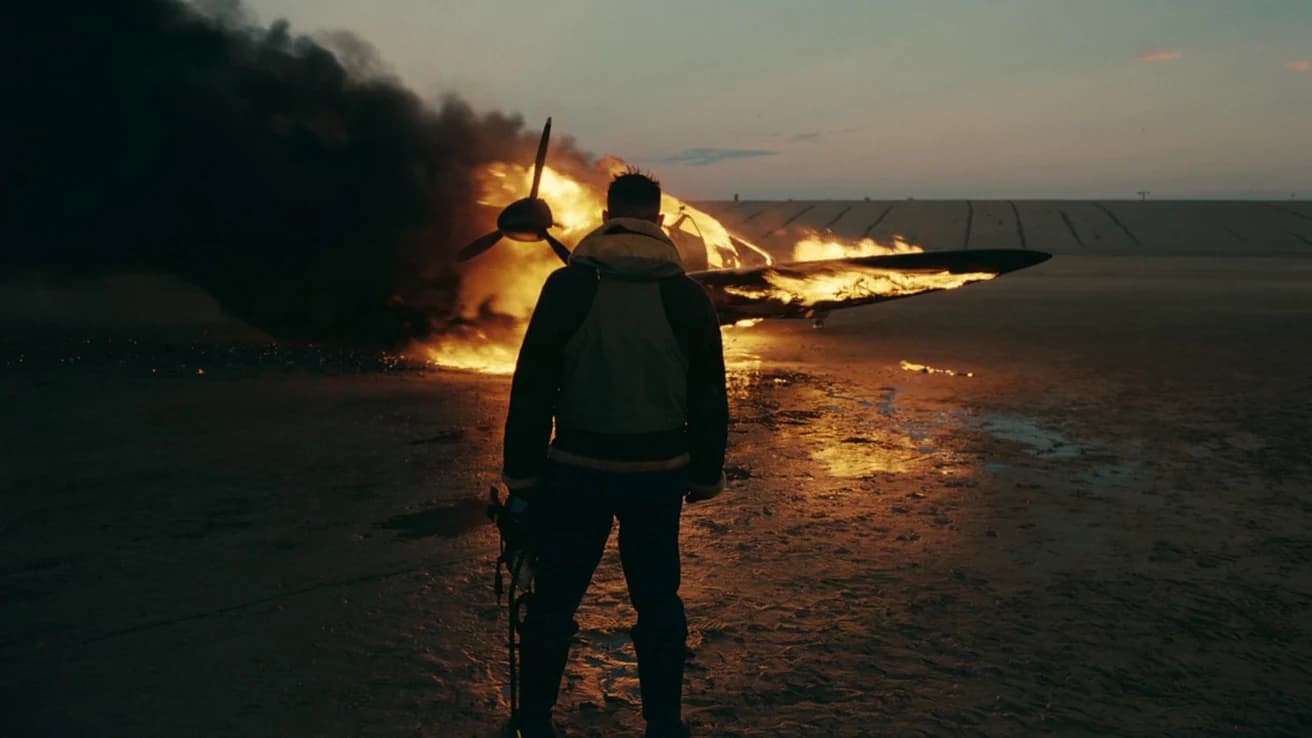
Find useful film stills by searching for the visual decision you need to make: a face lit by a doorway, a crowded wide shot, or a warm subject against a cool background. A reference becomes useful when you can explain what you want to borrow from it.
There are two different tasks here. You may know the film and need a particular shot, or you may know the look and need examples. Choosing the right starting point saves you from collecting hundreds of attractive images that do not answer your production question.
Choose a source for the question
| What you need | Where to start | What to verify |
|---|---|---|
| Images from a known film | A title-based stills collection or the film's official publicity materials | Film identity, crop, image quality, and usage terms |
| A visual pattern across different films | A searchable cinematography reference library | Whether the results match the lighting or framing you need |
| An explanation of an image | A frame breakdown or Ceeniq Explore | Which observations are visible and which setup details are estimates |
| A specific moment in a sequence | An authorized copy or viewing source for the film | The shot before and after it, its timing, and permitted ways to capture a reference |
ShotDeck provides a searchable cinematic image library. FilmGrab presents film stills in title-based galleries. Ceeniq Explore is useful when you want a public image together with an analysis. These serve different stages of the research process; a library result and a technical breakdown are not interchangeable.
For a tool-by-tool comparison, use our existing ShotDeck alternatives guide. This article focuses on the search and selection workflow rather than another ranked list of services.
Turn a mood into searchable observations
“Moody interior” can describe many incompatible setups. Break the idea into subject, setting, framing, and light. A search such as “single person, doorway, side light, medium shot” states more of the problem. Adjust the phrasing to the search controls available in the library you use.
Keep one requirement fixed while exploring the others. If the location only has a small window, start with that constraint rather than a palette. If the scene must show two people at opposite ends of a table, prioritize blocking and camera position. Color can be refined after you have a workable spatial reference.
- Lighting: Where does the light seem to come from, and what stays in shadow?
- Framing: How much of the subject and environment must remain visible?
- Depth: Are subjects layered close together, or separated across a deep space?
- Color: Which warm, cool, saturated, or neutral areas need to coexist?
Worked search: a tense conversation in a small room
Imagine a scene with two seated people, one window, and little room behind the camera. Begin with a wide reference that shows both people and their relationship to the window. Then find a closer image with the shadow shape you want on a face. Finally, choose a color reference with materials similar to your actual walls and wardrobe.
Label each reference by its job: “blocking,” “face light,” or “palette.” Do not expect one still to solve every problem. A close-up from a huge studio set may show beautiful light but tell you little about fitting two actors and a camera into your room.
Reject references that depend on a constraint you cannot change. If the image requires a distant camera position and your wall is two steps away, the same lens label will not reproduce its perspective. Our lens-compression guide explains why camera distance matters.
Save context with every keeper
Use a small reference record alongside the image. Copy this structure into your notes or board:
| Field | Example note for the imagined scene |
|---|---|
| Source | Original page or film title; timestamp if known |
| Decision | Window on the far side of the conversation |
| Keep | One face brighter; background quieter than the actors |
| Adapt | Use the available window instead of copying the apparent fixture |
| Test | Check both actors' eyelines and exposure during a short rehearsal |
A source link helps you revisit context and attribution. A timestamp, when available, helps distinguish a held composition from one instant in a moving shot. Do not attach a film title, cinematographer, or lens specification based only on visual resemblance.
Check the image before building a plan around it
Open the largest legitimate source version rather than saving a search thumbnail. Inspect the face, shadow boundaries, and background at the size you will use. Compression, aggressive sharpening, or a crop can hide exactly the detail you need to study. Prefer another reference if the important evidence is unreadable.
Also check the source's usage terms before downloading or republishing stills. Access to a reference library is not a general commercial image license; ShotDeck's terms, for example, specify restrictions on reuse. Keep research links and do not assume an image found online is available for marketing artwork.
Finish with a test, not a bigger collection
Choose the few references that resolve your current decisions. Write one practical test for each: change camera distance, turn the subject toward the window, or compare a neutral and a warmer grade. If you cannot name the test, you may still be collecting a mood rather than preparing a shot.
Use the cinematography-analysis worksheet to turn those observations into a consistent set of notes. Then decide whether you need a new reference or simply need to try the setup you already have.
Once you have useful references, assign each one to a setup in the downloadable shot-list template. Record what the shot needs to communicate as well as how it should look.
Study the reference you found
Ceeniq breaks an individual image into camera, composition, lighting, color, and mood, with an optional Shot Blueprint for recreation planning.
See the frame analyzer