Shot List Template: Plan Coverage from Film References
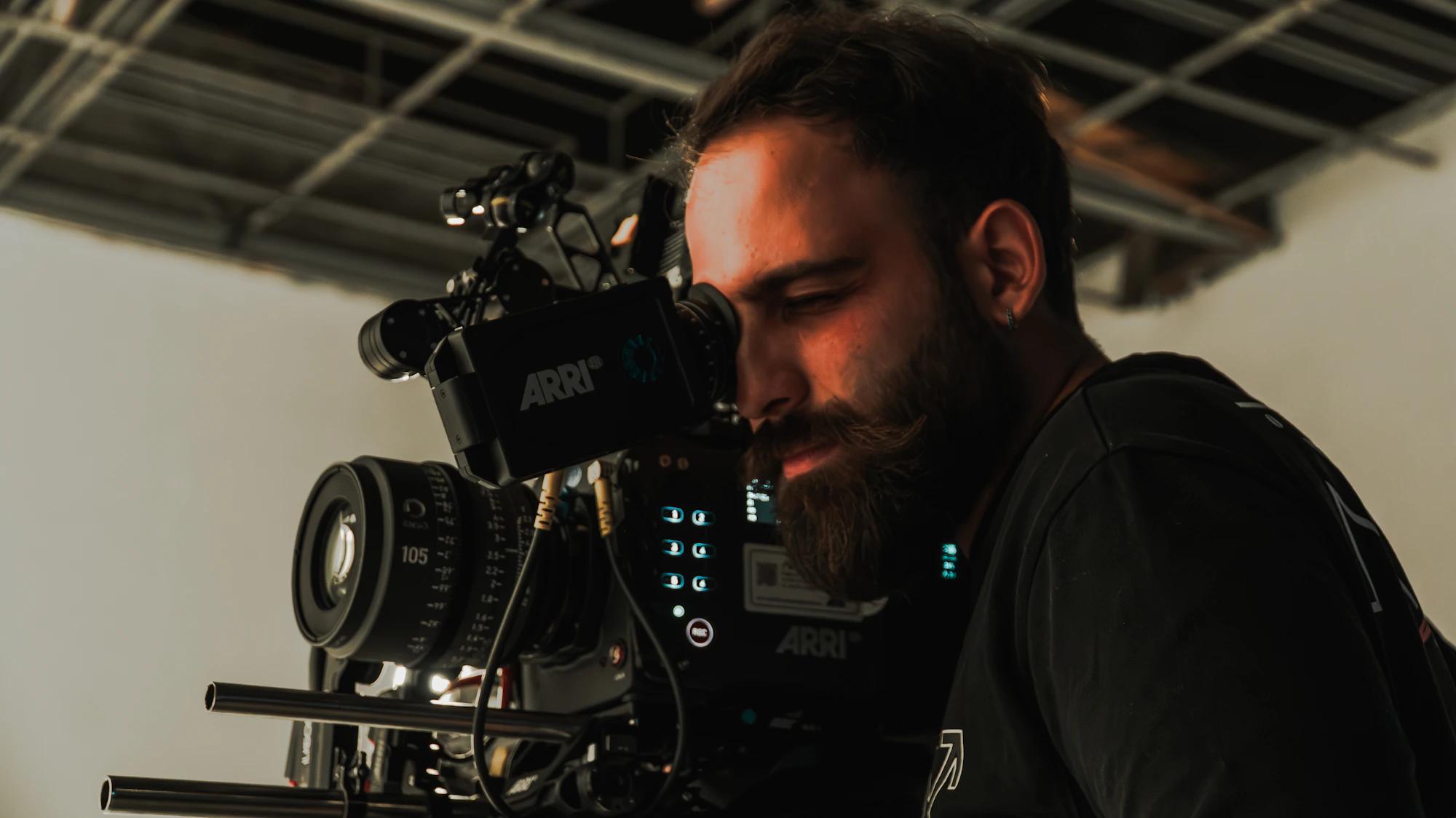
Photography by Cemrecan Yurtman on Unsplash.
A shot list turns a scene into specific camera setups and coverage decisions. Give each shot a purpose, framing, action, and continuity note. Then group the work into a shooting order that fits the location, performers, and light.
A reference board explains the look; a storyboard sketches what happens; a shot list records what the crew needs to capture. They can support one another, but a folder of beautiful stills does not tell you whether the editor has the reaction that makes a scene work.
Download the shot-list template (CSV). It includes blank planning rows and a small worked example. Open it in your spreadsheet app, duplicate the blank rows, and replace the example with your own scene.
Start with what changes in the scene
Before selecting lenses, write the information the audience needs. For an imagined scene, one person leaves an envelope on a table, the other recognizes it, and the first person notices that recognition. The required coverage follows those beats: the exchange, the reveal, and the two reactions.
Give each planned shot one primary job. If two shots provide the same information from almost the same framing, decide whether the alternative adds a performance or editing choice worth the setup time. A small crew benefits from deliberate coverage more than an ambitious list it cannot finish.
Fields to keep in the template
| Field | What to write |
|---|---|
| Scene and shot ID | A stable label that survives changes to shooting order |
| Story purpose | The information, action, or reaction this shot must communicate |
| Framing and movement | Shot size, angle, and whether the camera stays still or moves |
| Action and audio | The action to cover, essential dialogue, and useful sound |
| Setup and reference | Camera side, lighting direction, and the specific reference role |
| Continuity | Eyeline, hand, prop, screen direction, or action timing to maintain |
| Priority and status | Essential or optional; planned, captured, or needs another take |
| Take notes | Which take worked and what changed during the shoot |
Adobe's shot-list guide also emphasizes scene and shot identifiers, camera choices, movement, and audio notes. Keep your version readable on set. Put detailed lighting plans in a linked document rather than squeezing every measurement into the shot description.
Worked example: an envelope at a table
| Shot | Purpose and framing | Continuity note |
|---|---|---|
| 1A · shared view | Establish both people and the envelope crossing the table | Record the placing hand and final envelope position |
| 1B · receiver | Show recognition in a medium close-up | Keep the glance toward the same table position |
| 1C · sender | Show the sender noticing the reaction | Match when the sender's hand leaves the table |
| 1D · detail | Show the mark on the envelope if the audience needs to read it | Keep envelope orientation and hand position consistent |
This is one possible plan, not a universal four-shot formula. You could hold the entire exchange in a shared view if both reactions remain readable. The detail shot becomes essential only if its information cannot be conveyed clearly elsewhere.
Rehearse the action and check the cuts before expanding coverage. Our shot-size guide helps name the framing, while the analysis worksheet helps identify what makes a reference useful.
Attach a reference to a decision
Label references by purpose: shared framing, face light, background depth, or palette. Write what you intend to borrow and what the location forces you to change. A reference close-up cannot establish the camera distance available in your room.
Check the widest shot first. It reveals which lights, stands, windows, and walls can remain outside frame. Then test the closer coverage without changing the apparent lighting direction arbitrarily. The film-still research workflow helps you choose references that answer these specific questions.
Separate story order from shooting order
Keep the shot IDs stable while grouping setups that share camera direction or lighting. In the envelope example, you might capture the shared view and detail while the table setup is intact, then turn for the reactions. Actual order depends on performance, daylight, access, and reset time.
Before moving on, check whether each essential story beat has a usable version. A checkmark should mean the needed action, focus, sound, and continuity have been reviewed, not merely that the camera recorded something.
Leave notes for the edit
Record useful takes, performance variations, and deviations from the plan. If the envelope moved or an eyeline changed, note it while the setup is fresh. Preserve a clean version of the plan and a marked-up shooting copy so collaborators can distinguish intention from what was captured.
Use the visual continuity guide to compare the resulting frames. Ceeniq can help examine individual references and their visual relationships; the crew still decides coverage, timing, and the sequence of the scene.
Turn a reference into a setup
A Ceeniq Shot Blueprint offers a proposed recreation plan for an individual image. Use it alongside your shot list and location tests.
Explore Shot Blueprint